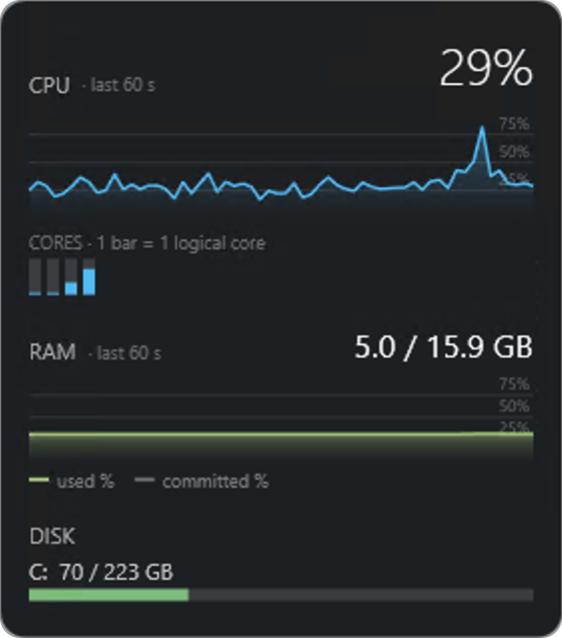
Borderless, draggable, always on top — parks in a corner of your desktop and stays out of the way.
A featherweight, always-on-top system monitor for Windows. Per-core CPU, RAM and disk at a glance — built for trading VPSes where every percent of CPU belongs to your terminals, not your monitoring.
Free · No account · No telemetry · Under 0.5% CPU
Borderless, draggable, always on top — parks in a corner of your desktop and stays out of the way.
Version 0.1.0 · Windows 10 / 11 (x64)
Nothing to install — unzip it and run SysMonWidget.exe.
Windows SmartScreen may warn on first run because the download is new and unsigned — click More info → Run anyway.
SysMon is free with no strings attached. If it earns a permanent spot on your VPS, you can chip in whatever it's worth to you — it funds the time to keep it maintained.
Yes. Full app, no locked features, no trial timer, no account. Donations are optional and change nothing about what you download.
The executable isn't code-signed yet, so Windows flags it as unrecognised the first time. Click "More info", then "Run anyway". If that makes you uncomfortable (healthy instinct!), don't run it — or scan it first with your AV of choice.
No. SysMon makes zero network requests. It reads local Windows performance counters and draws them on screen — there is no telemetry, no crash reporting, no update check.