Terms and Conditions
Last Updated: September 28, 2026
1. Acceptance of Terms
By accessing and using PerformanceLens ("the Service"), operated by Altiora Software Ltd ("the Company"), you accept and agree to be bound by these Terms and Conditions ("Terms"). If you do not agree to these Terms, please do not use the Service. These Terms constitute a legally binding agreement between you and Altiora Software Ltd.
2. Description of Service
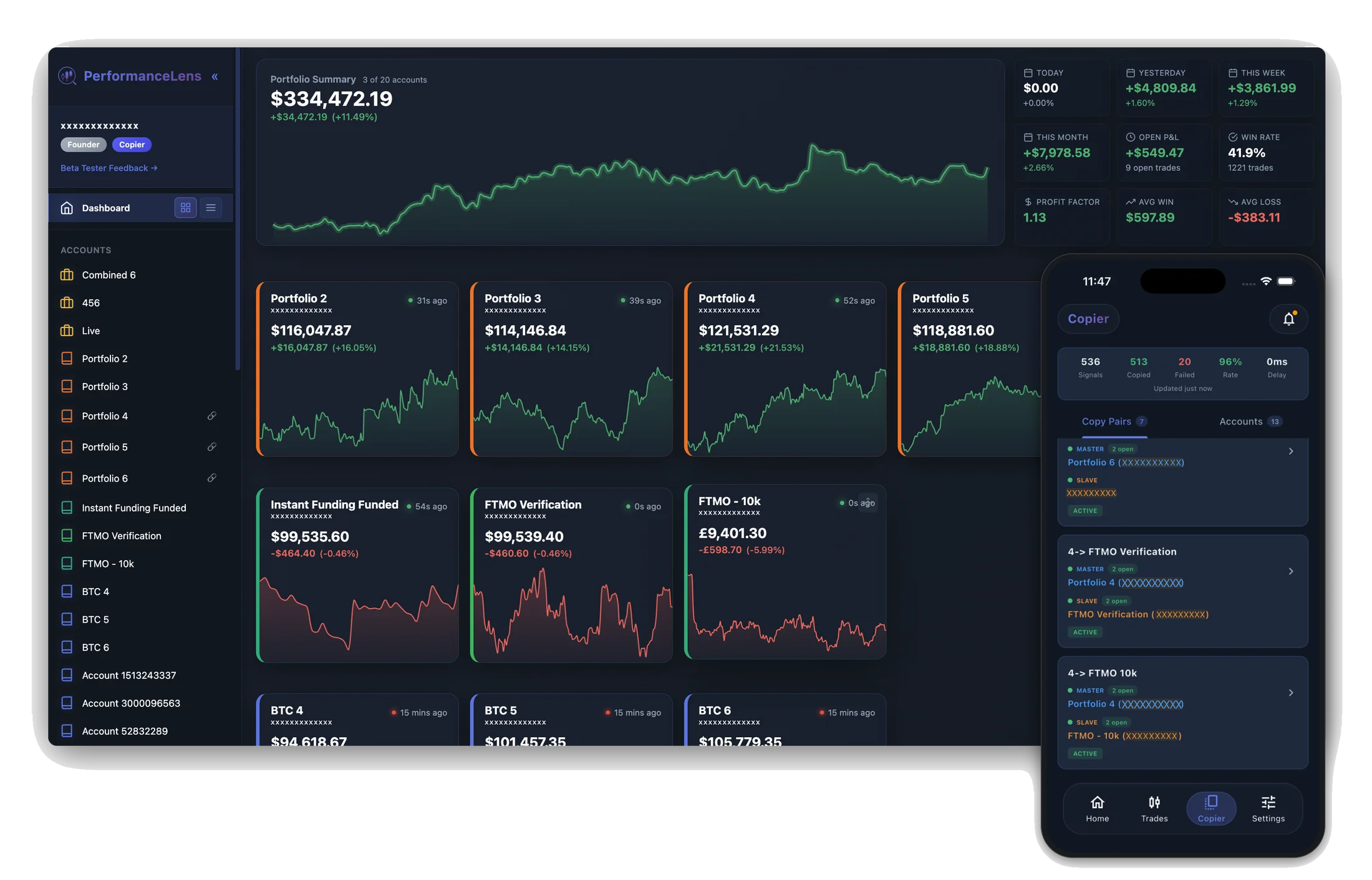
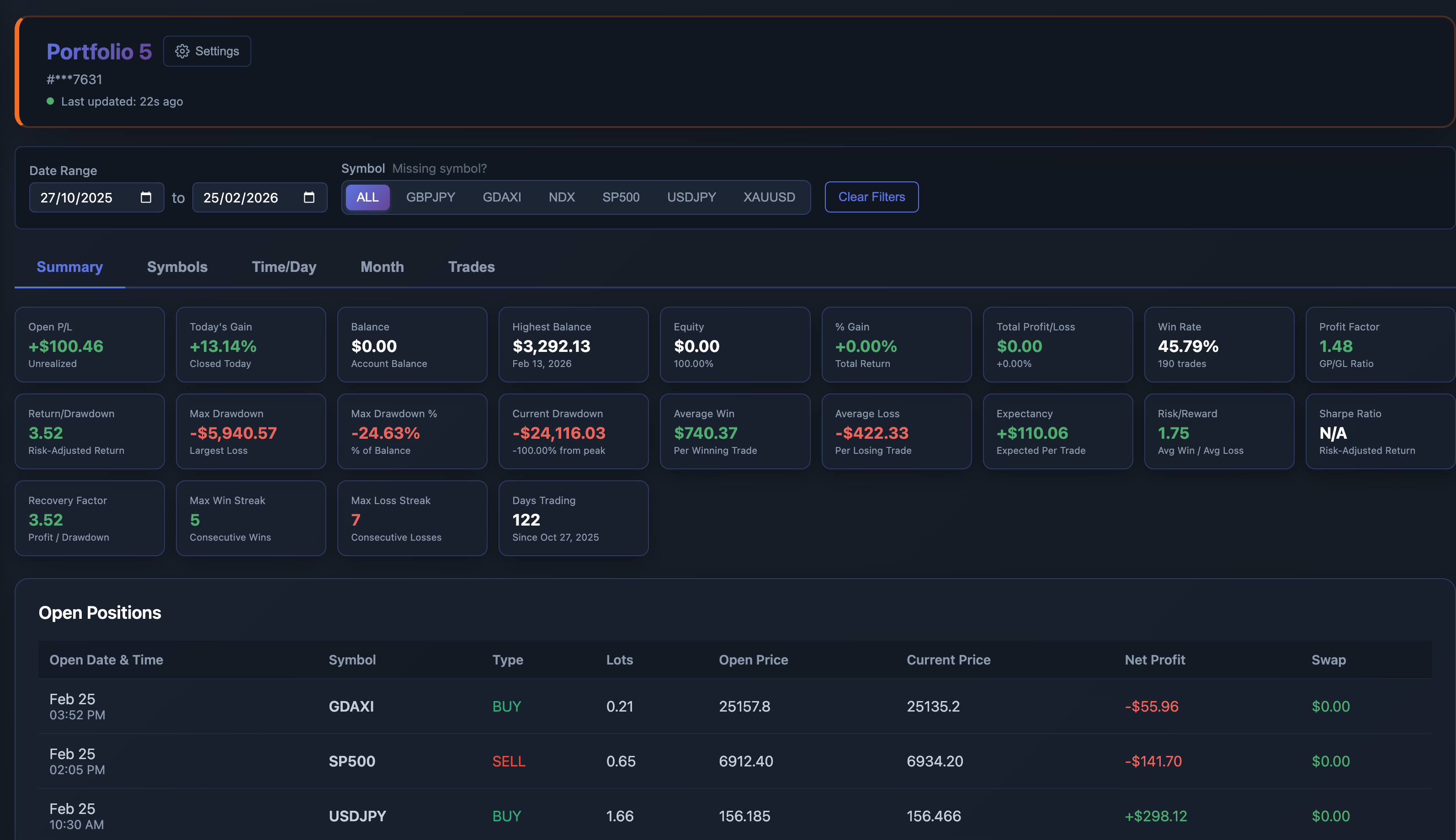
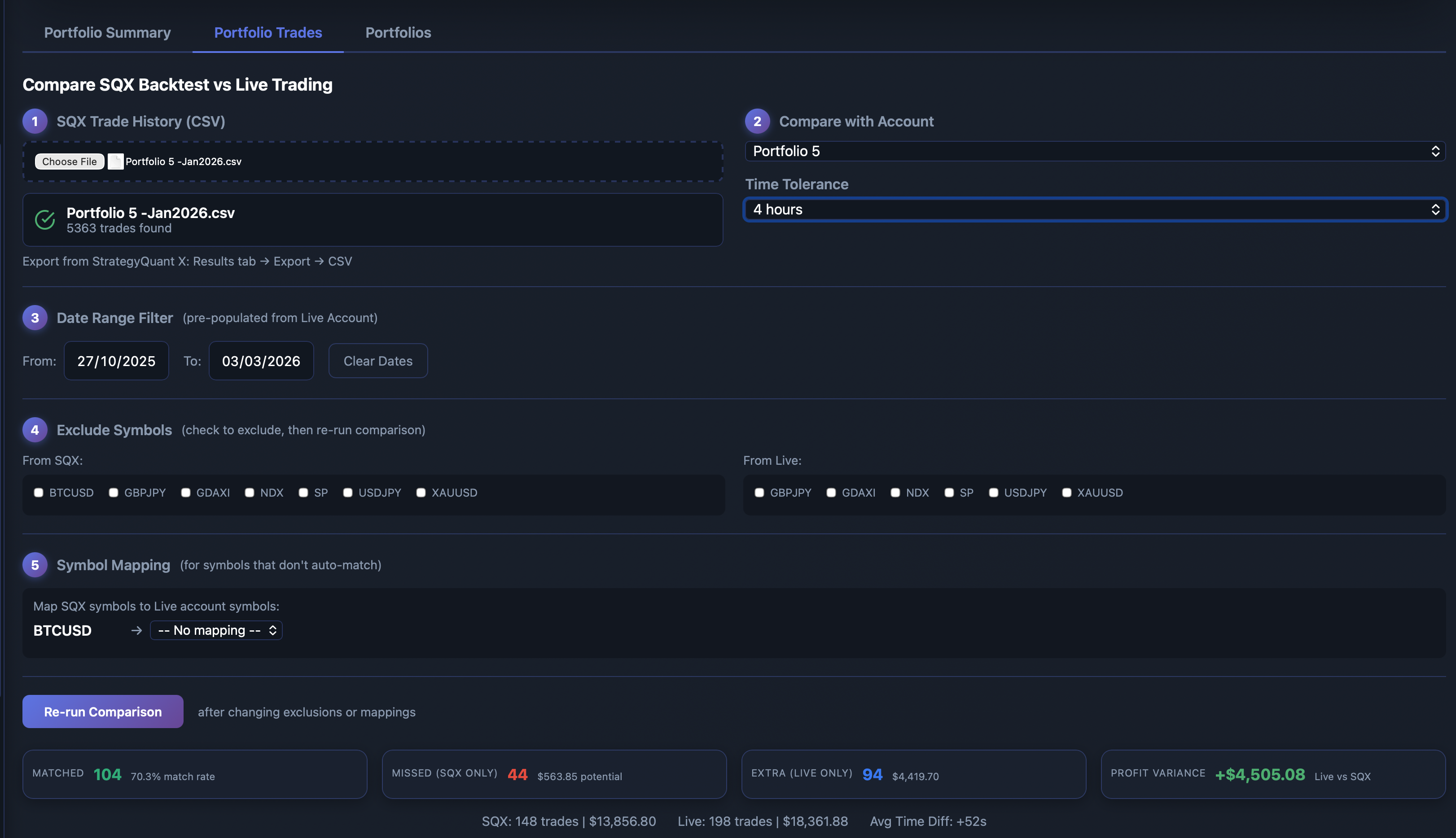
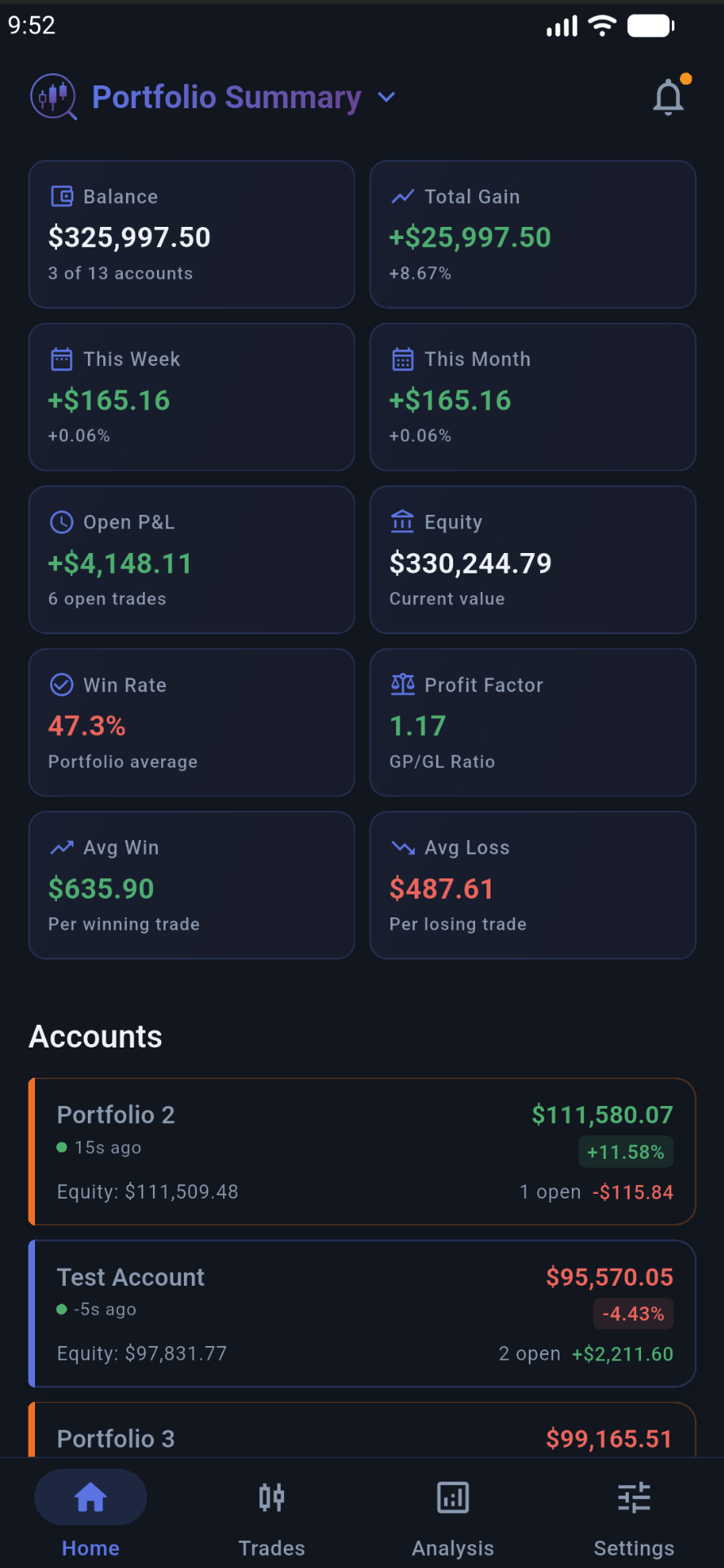
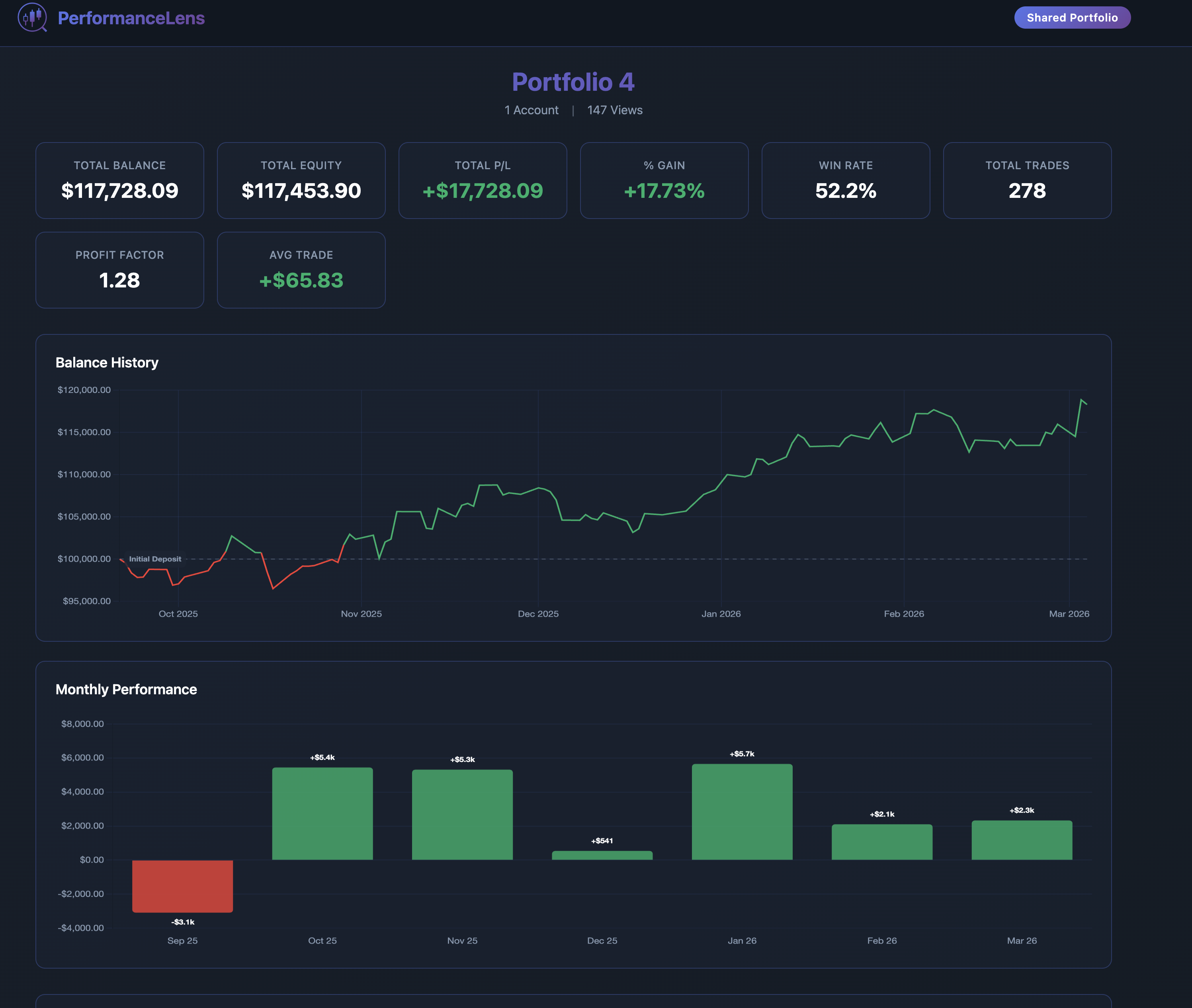
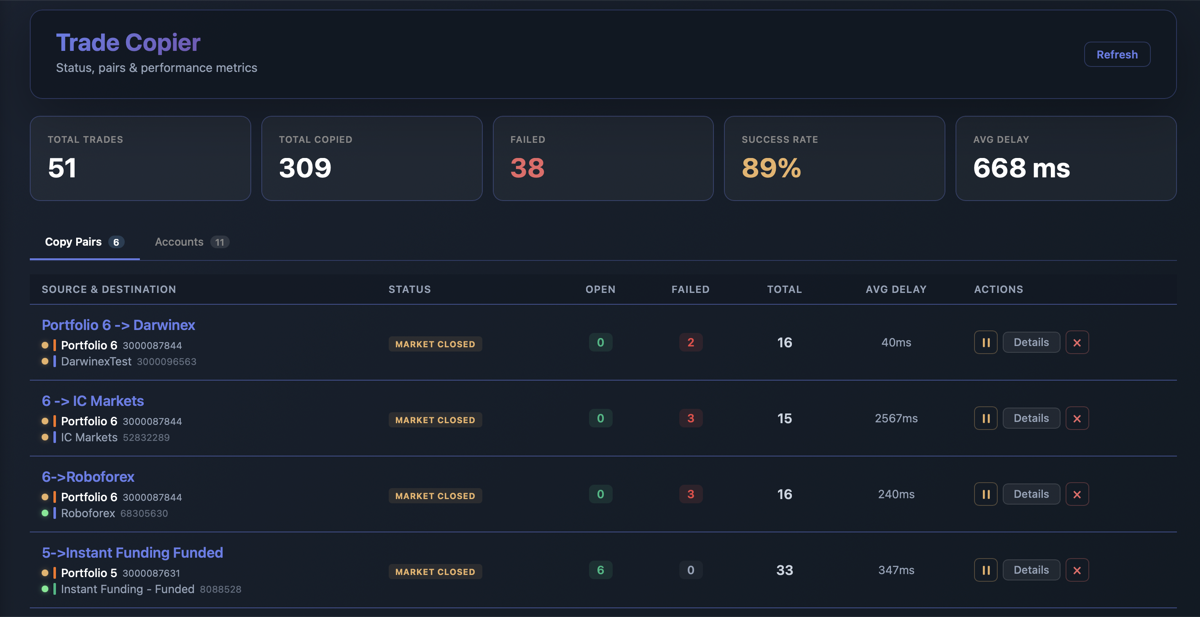
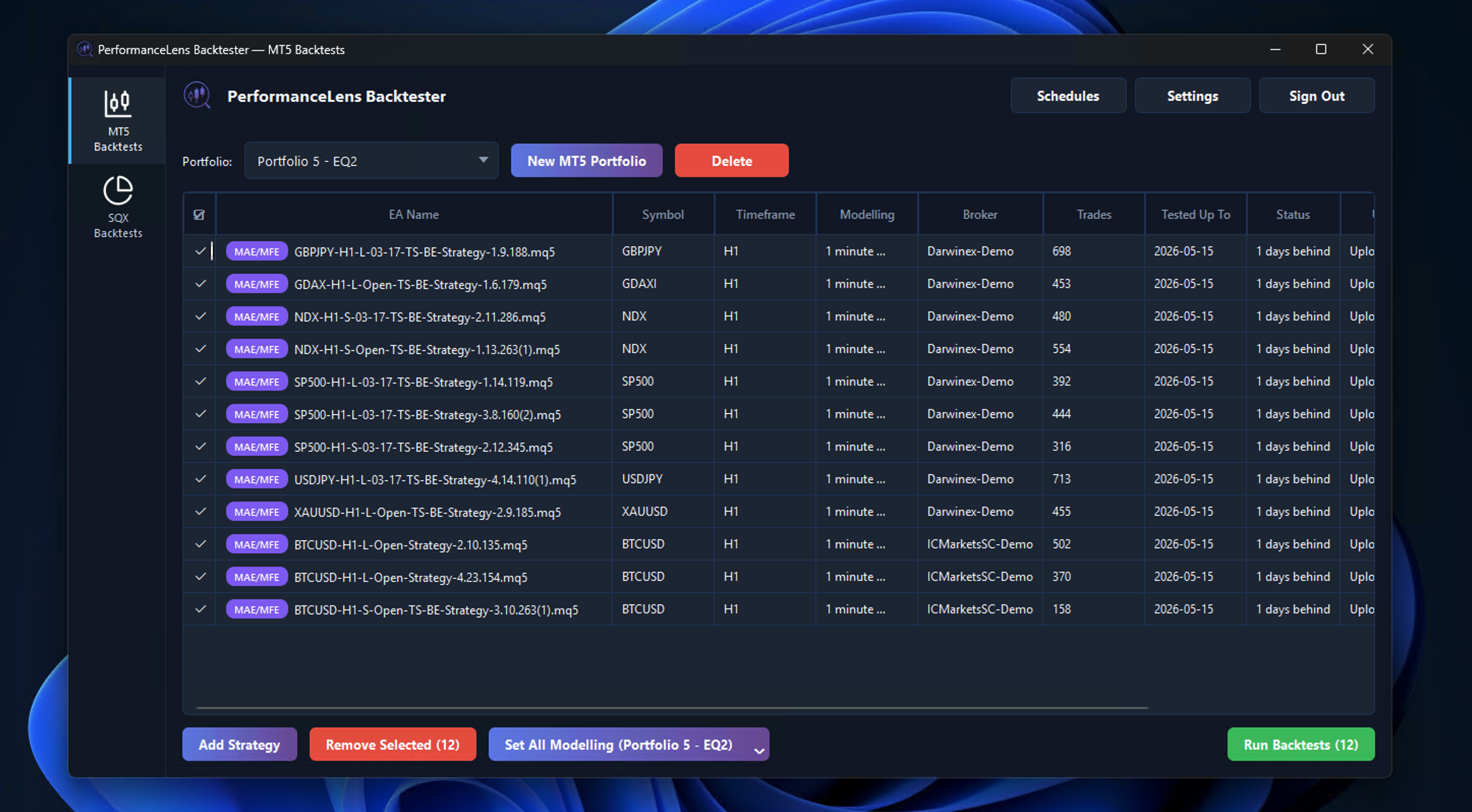
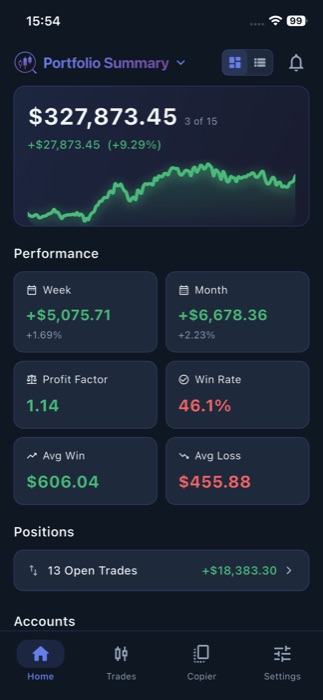
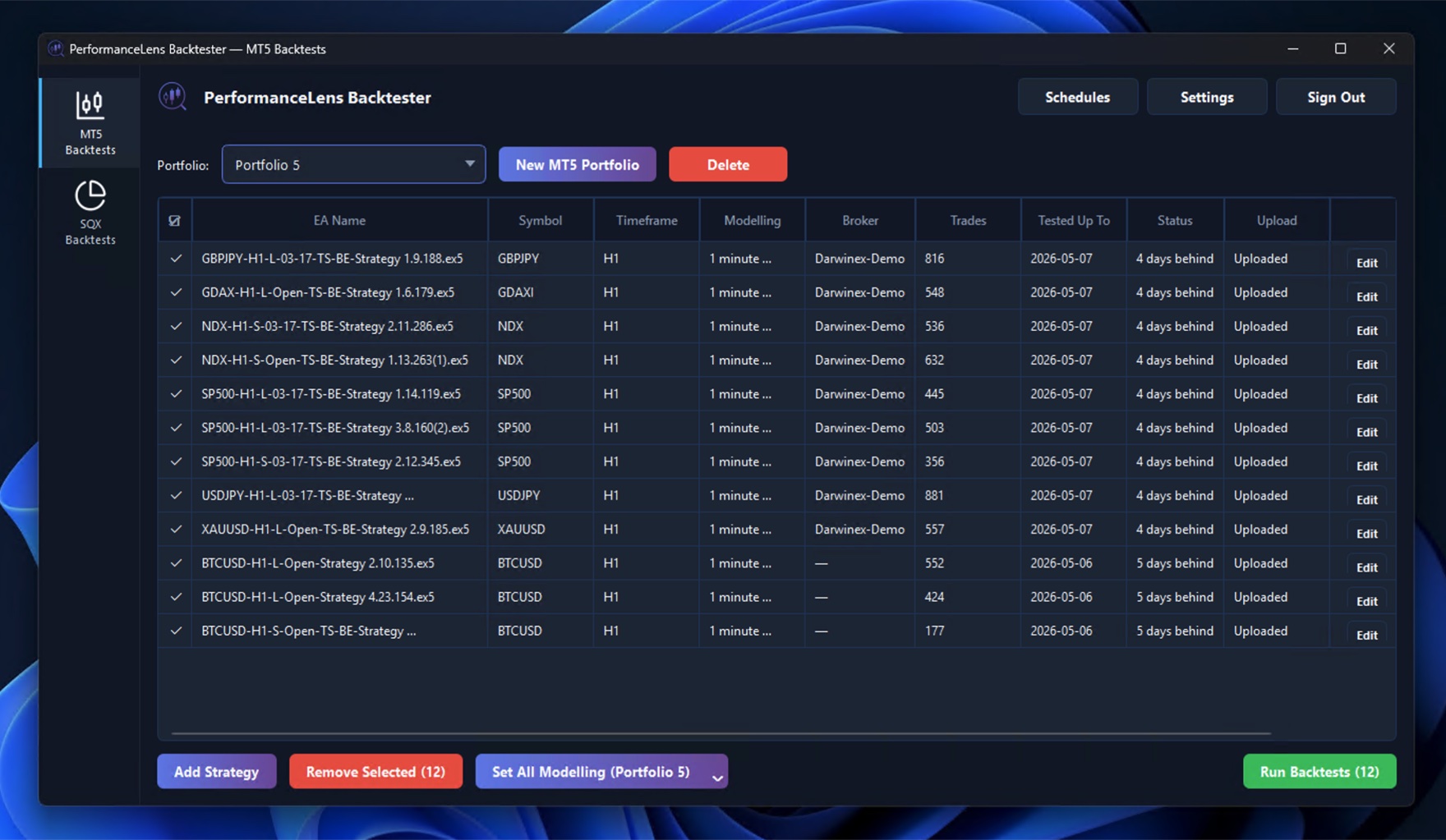
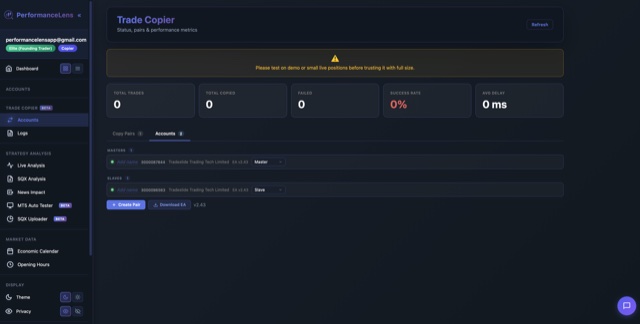
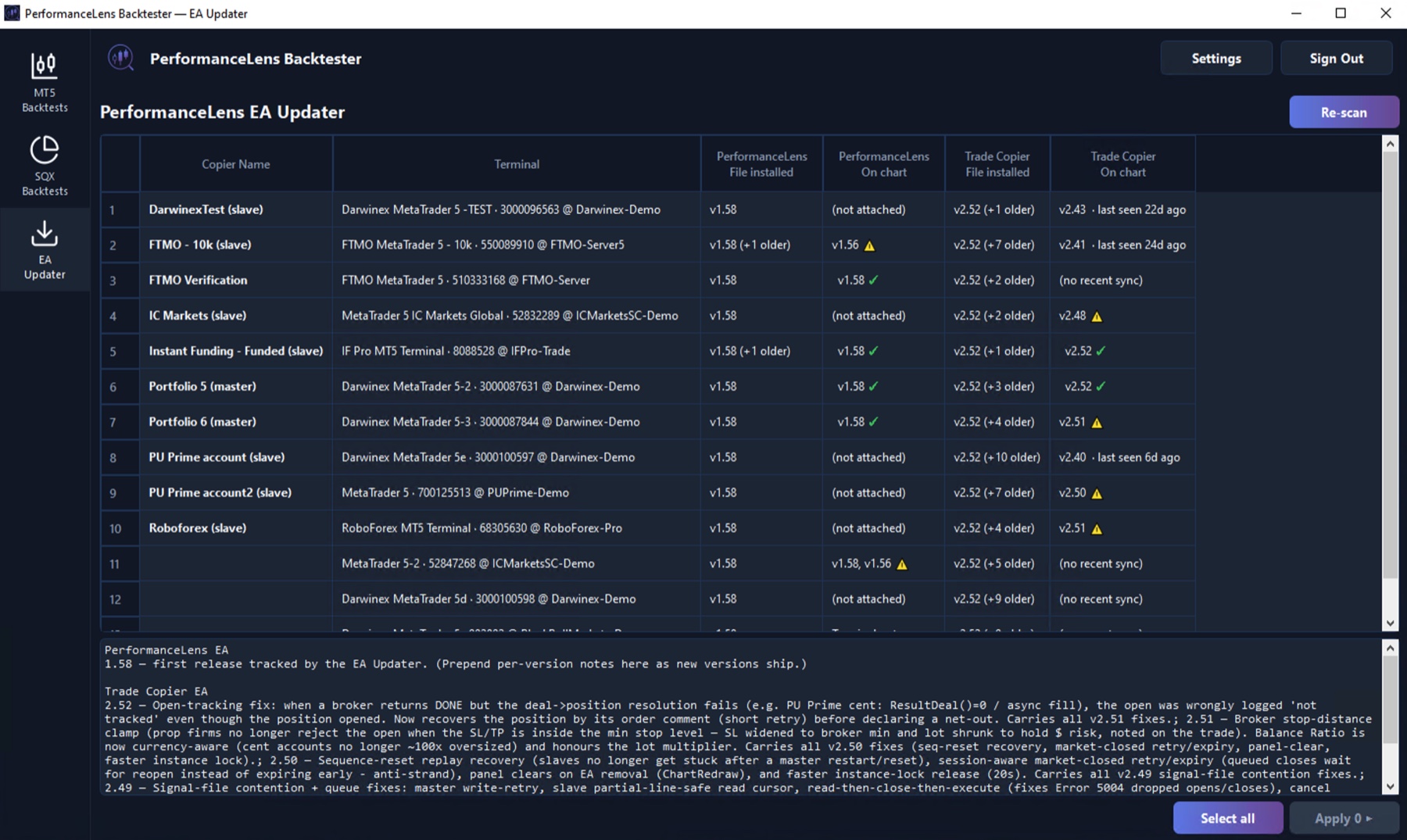
PerformanceLens provides real-time trading performance analytics for MetaTrader 5 platforms. The Service includes data synchronization via our Expert Advisor (EA), performance analytics dashboards, portfolio sharing, SQX strategy analysis, optional end-to-end encryption, and related functionality as described on our website. PerformanceLens also offers an optional Trade Copier that, when enabled and configured by you, automatically replicates trades between MetaTrader accounts you own or control (see Section 7). Except where you enable and configure the Trade Copier, the Service does not execute trades, and the Service never provides investment advice.
3. User Accounts
3.1 Account Creation
You must create an account to use the Service. You agree to provide accurate, current, and complete information during registration and to update such information to keep it accurate, current, and complete. You must be at least 18 years of age to create an account.
3.2 Account Security
You are responsible for maintaining the confidentiality of your account credentials and for all activities that occur under your account. You agree to notify us immediately of any unauthorized use of your account. We reserve the right to suspend accounts that show signs of unauthorized access.
3.3 One Account Per User
Each individual may maintain only one PerformanceLens account. Creating multiple accounts to circumvent plan limits or abuse free trials is prohibited and may result in termination of all associated accounts.
4. Subscription and Payment
4.1 Subscription Plans
The Service is available through subscription plans (Trader, Analyst, and Quant) as described on our pricing page. The Trade Copier is included with every paid plan at no additional charge. All fees are quoted in U.S. dollars. Plan features, limits, and pricing may change — existing subscribers will be given at least 30 days' notice of any price increase.
4.2 Free Trial
New users receive a 7-day free trial of the Analyst plan. No payment information is required to start a trial. At the end of the trial period, your account will revert to limited functionality until you subscribe to a paid plan. You will not be automatically charged at the end of the trial.
4.3 Automatic Renewal
Paid subscriptions automatically renew at the end of each billing period (monthly or yearly) unless cancelled before the renewal date. You authorize us to charge your payment method on file for renewal fees at the then-current rate. You will receive an email reminder before each renewal.
4.4 Cancellation
You may cancel your subscription at any time from your account settings. Cancellation takes effect at the end of your current billing period — you retain full access until then. No partial refunds are provided for unused time within a billing period.
4.5 Refunds
Subscription fees are generally non-refundable. However, if you experience a material service disruption (extended outage exceeding 48 hours) during a billing period, you may request a pro-rated credit by contacting hello@performancelens.app within 14 days. Refund requests are evaluated on a case-by-case basis.
4.6 Failed Payments
If a payment fails, we will attempt to process the charge up to 3 times over 7 days. If payment cannot be collected, your subscription will be downgraded to limited functionality. Your data will be retained for 30 days, during which you may update your payment method and reactivate your subscription.
4.7 EU Right of Withdrawal
If you are located in the European Union, you have the right to withdraw from your subscription within 14 days of purchase without giving a reason, in accordance with the EU Consumer Rights Directive. To exercise this right, contact us at hello@performancelens.app. If you have actively used the Service during the withdrawal period, we may charge a proportional amount for the service used.
4.8 Connected Trading Account Limits
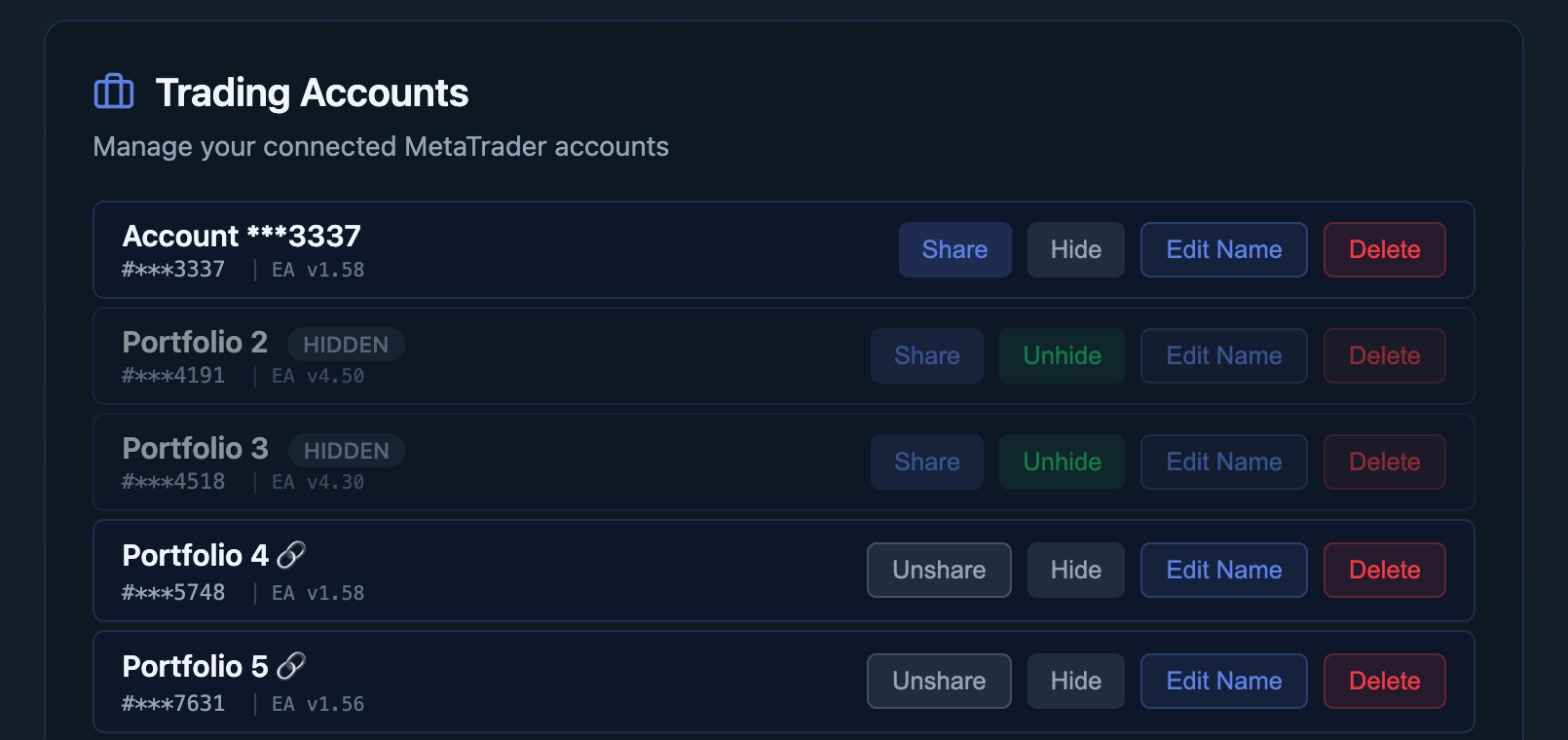
Each plan includes a maximum number of connected trading accounts, stated on our pricing page (currently 3 on Trader, 10 on Analyst, and 15 on Quant). On these plans the limit is a single shared allowance covering both analytics and the Trade Copier — it is not a separate allowance for each.
Accounts are counted by trading account number. Each distinct account number consumes one place, however you use it: analytics only, Trade Copier only (as either a source or a copy account), or both. Using one account for both analytics and copying consumes a single place, not two.
Additional places may be purchased from your account settings at the rate shown at the time of purchase. These are billed alongside your subscription, renew with it, and may be cancelled at any time; cancellation takes effect at the end of the current billing period.
Once you reach your limit you will be unable to connect further accounts until you remove one or purchase additional places. Accounts already connected are not disconnected when a limit changes. Certain legacy and granted plans operate separate analytics and Trade Copier allowances rather than a single shared one. Your current limits and usage are always shown in your account settings.
5. Use of Service
5.1 Permitted Use
You may use the Service only for lawful purposes and in accordance with these Terms. You agree not to:
- Use the Service in any way that violates applicable laws or regulations
- Transmit any harmful code, malware, or malicious software
- Attempt to gain unauthorized access to the Service, other accounts, or related systems
- Interfere with, disrupt, or place undue burden on the Service or its infrastructure
- Impersonate or attempt to impersonate another user or entity
- Use automated tools (bots, scrapers, crawlers) to access the Service except through our official API
- Reverse-engineer, decompile, or disassemble any part of the Service
- Resell, redistribute, or sublicense access to the Service
5.2 Trading Connection
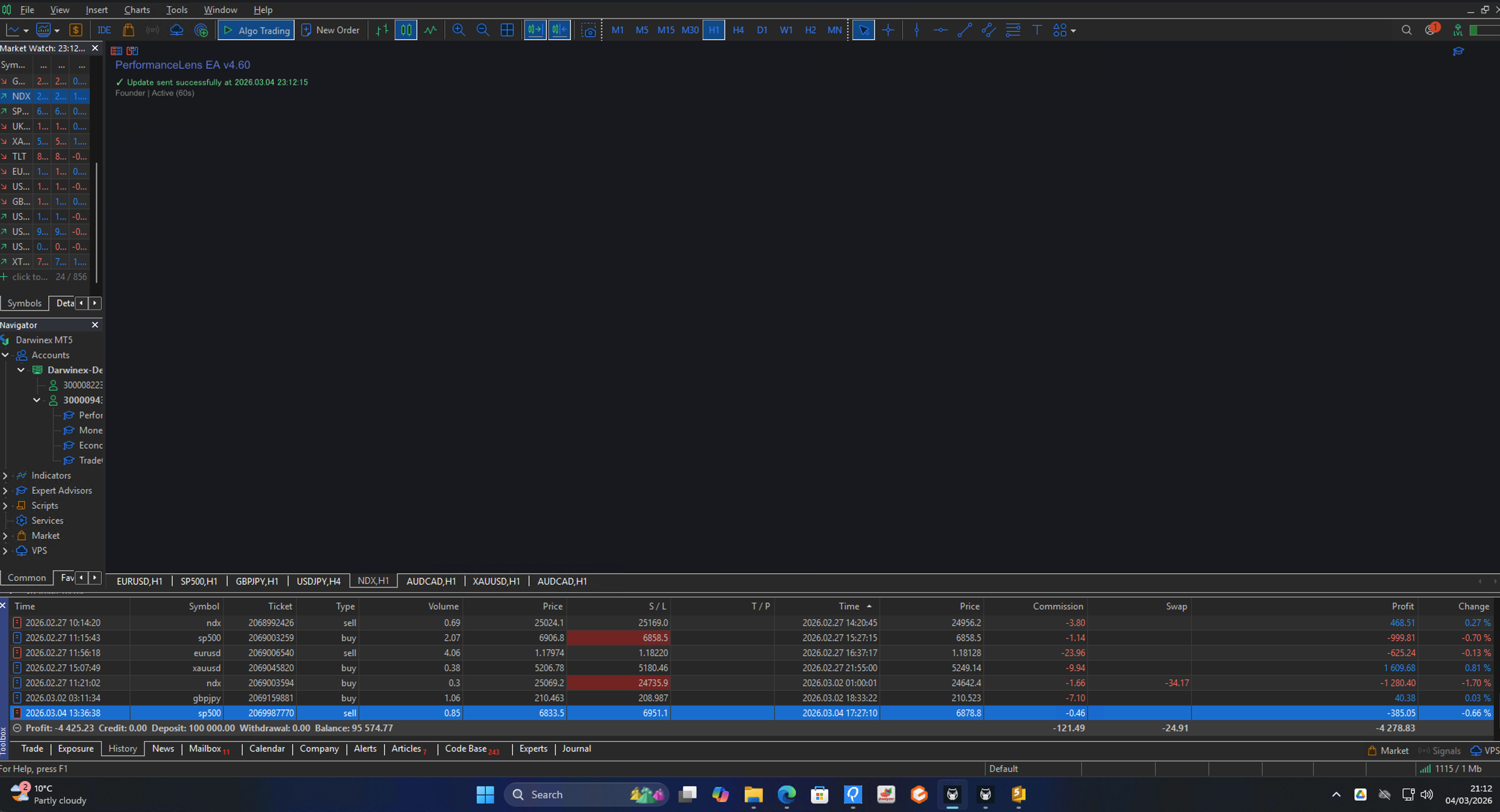
You are responsible for correctly installing and configuring the PerformanceLens Expert Advisor (EA) on your MetaTrader 5 platform. We are not responsible for data sync issues, losses, or inaccuracies resulting from incorrect EA configuration, broker restrictions, or network connectivity problems on your end.
5.3 Rate Limits and Fair Use
Each subscription plan includes specific data sync intervals and account limits (see Section 4.8). Attempts to circumvent these limits — including but not limited to modifying the EA to sync more frequently than your plan allows — may result in temporary rate limiting or account suspension.
6. End-to-End Encryption
6.1 Optional Encryption
The Service offers optional end-to-end encryption (E2E) for your trading data. When enabled, your financial data is encrypted on your device before transmission to our servers, and can only be decrypted with your personal encryption key.
6.2 Key Management Responsibility
If you enable E2E encryption, you are solely responsible for maintaining access to your encryption key. Your encryption key is derived from your account password. If you lose access to your encryption key and cannot recover it, your encrypted data cannot be recovered by PerformanceLens or any third party. We have no ability to decrypt your end-to-end encrypted data.
6.3 Encryption Limitations
E2E encryption protects financial data (account balances, trade details, open positions). Certain metadata necessary for Service operation (e.g., account identifiers, sync timestamps, subscription status) is not end-to-end encrypted but is protected by standard encryption in transit and at rest.
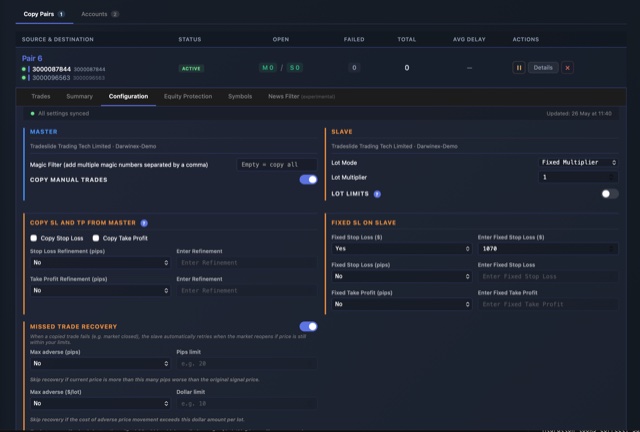
7. Trade Copier
7.1 What the Trade Copier Is
The Trade Copier is an optional tool that automatically replicates trades between MetaTrader accounts that you own or control — a source account (the account whose trades are copied) and one or more copy accounts (the accounts that receive the copied trades). The Trade Copier is a software tool only. We do not handle client funds, hold any trading authority over your accounts, act as a broker, asset manager, or money manager, or provide a signal service.
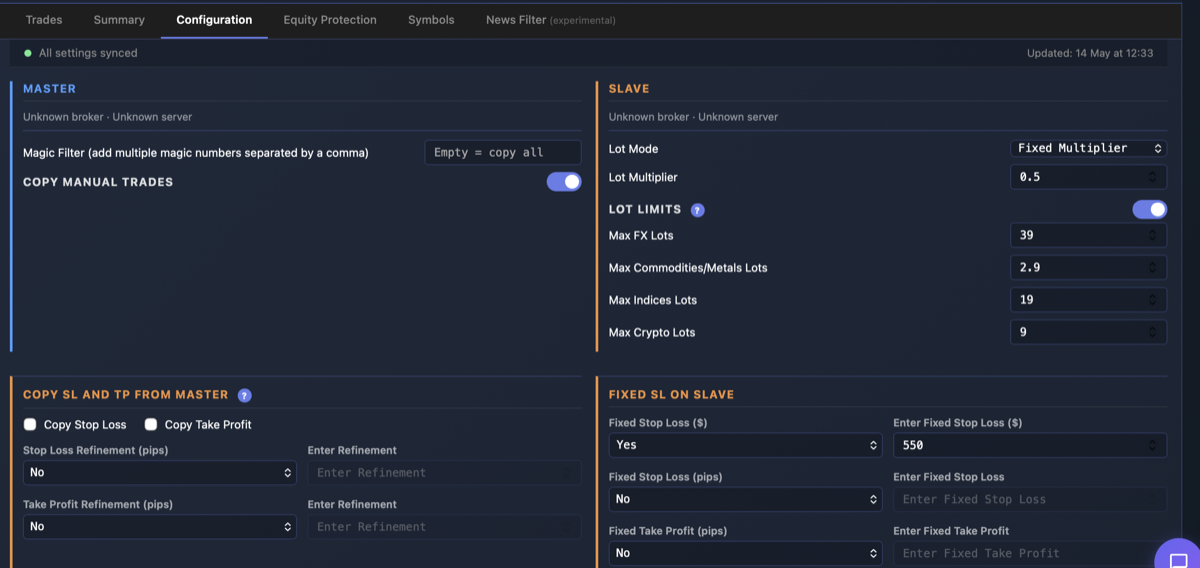
7.2 Your Control and Configuration
You enable, configure, and remain solely responsible for the Trade Copier and for every trade that results from its use — whether copied, partially copied, or not copied. You control all settings, including which account is the source, which accounts receive copies, lot sizing and risk mode, symbol mapping, and any filters. You are responsible for ensuring these settings are correct for your accounts.
7.3 Test Before You Rely on It
Before relying on the Trade Copier with live funds, you must verify that it behaves as you expect — for example, on a demo account or by placing a small test trade. You should not depend on the Trade Copier until you have confirmed it copies correctly between your specific accounts and brokers.
7.4 Monitor Your Positions
You must continuously monitor the positions opened, modified, or closed by the Trade Copier and take action yourself if anything appears incorrect. The Trade Copier depends on your Expert Advisor, MetaTrader terminal, VPS or computer, and network connection remaining online; interruptions to any of these are outside our control and may prevent trades from being copied or closed.
7.5 No Guarantee of Faithful Replication
We do not guarantee that copied trades will match the source account. Copied trades may differ from, be delayed relative to, or fail to mirror the source for reasons including latency, slippage, requotes, partial fills, differences in spread or execution, differences in symbol names, contract sizes, lot steps, leverage or margin between brokers, market closures, or rejection by your broker. You accept these risks as inherent to copy trading.
7.6 Broker and Prop-Firm Compliance
You are responsible for confirming that automated copy trading and the use of Expert Advisors are permitted on each account you connect. Many proprietary-trading firms and some brokers restrict or prohibit copy trading. We are not responsible for any account restriction, suspension, breach of a firm's rules, forfeiture of profit share, or ban that results from your use of the Trade Copier.
7.7 Trading Risk
Trading carries a substantial risk of loss and is not suitable for everyone. The Trade Copier does not reduce this risk and may, through faithful replication, multiply losses across multiple accounts. Past performance does not guarantee future results.
8. Intellectual Property
8.1 Our Intellectual Property
The Service, including all software, website content, designs, graphics, documentation, the Expert Advisor, and related materials, is owned by Altiora Software Ltd and is protected by copyright, trademark, and other intellectual property laws. You are granted a limited, non-exclusive, non-transferable, revocable license to access and use the Service solely for your personal trading analysis during your active subscription.
8.2 Your Data
You retain all ownership rights to your trading data. By using the Service, you grant us a limited license to process, store, and display your data solely for the purpose of providing the Service to you. We will not use your trading data for any other purpose, including but not limited to selling it to third parties or using it for aggregate trading analysis, without your explicit consent.
8.3 AI and Data Mining Restrictions
The content, design, structure, and code of the Service and its associated website may not be used for training artificial intelligence models, machine learning systems, or any form of automated data mining or scraping. This prohibition applies to all AI/ML training purposes, whether commercial or non-commercial. Unauthorized use of our content for AI training constitutes a violation of these Terms and applicable intellectual property law.
8.4 Restrictions on Copying and Redistribution
Except as expressly permitted by these Terms or by law, you must not, and must not help or allow anyone else to:
- Copy, modify, translate, or create derivative works of any part of the Service, including the Expert Advisors, the website, the web dashboard, the mobile apps, and their source code, compiled files, interfaces, and documentation
- Distribute, publish, share, sell, or otherwise make the Expert Advisor files (.ex4 or .ex5), or any other part of the Service, available to anyone else. Each user must download the Expert Advisors from their own account
- Remove, alter, or obscure any copyright, trademark, or other proprietary notice
- Use the Service, or any information obtained from it, to build, train, or improve a competing product or service, or to replicate its features, design, or functionality
- Circumvent any licence check, account limit, or other technical protection in the Service or the Expert Advisors
Nothing in this section restricts any right you have under applicable law that cannot be excluded by contract, including the limited right to decompile software for interoperability under the UK Copyright, Designs and Patents Act 1988. A breach of this section is a material breach of these Terms and may result in immediate termination under Section 16.1, in addition to any other remedy available to us.
8.5 Feedback
If you provide feedback, suggestions, or ideas about the Service, you grant us a non-exclusive, royalty-free, perpetual license to use and incorporate that feedback into the Service without obligation to you.
9. Data and Privacy
Your use of the Service is also governed by our Privacy Policy, which is incorporated into these Terms by reference. By using the Service, you consent to the collection and use of your data as described in the Privacy Policy.
10. Data Export and Portability
You may export your trading data at any time from your account settings. Exported data is provided in standard formats (CSV/JSON). Upon account termination or cancellation, you will have 30 days to export your data before it is permanently deleted.
11. Disclaimers
11.1 No Investment Advice
PerformanceLens is an analytics tool, and the optional Trade Copier is a mechanical execution tool that you direct. Nothing in the Service constitutes investment advice, trading signals, trade recommendations, or financial guidance. The Trade Copier does not decide what to trade — it only replicates the trades placed on a source account you designate, according to settings you configure. All trading decisions are your sole responsibility. Past performance shown in the Service does not guarantee future results.
11.2 Service Availability
While we strive for high availability, we do not guarantee uninterrupted access to the Service. The Service is provided "as is" and "as available" without warranties of any kind, either express or implied. We may perform scheduled maintenance with advance notice when possible.
11.3 Accuracy of Data
We make reasonable efforts to ensure data accuracy but do not guarantee that all data, calculations, or analytics will be error-free. Data accuracy depends in part on correct EA configuration and reliable connectivity between your MetaTrader 5 platform and our servers. You should verify important data independently and should not rely solely on the Service for critical trading decisions.
11.4 Third-Party Services
The Service integrates with third-party platforms including MetaTrader 5 (MetaQuotes). We are not responsible for changes, outages, or limitations imposed by these third-party platforms that may affect Service functionality.
12. Limitation of Liability
To the maximum extent permitted by law, Altiora Software Ltd and its affiliates, officers, employees, and agents shall not be liable for any indirect, incidental, special, consequential, or punitive damages, or any loss of profits or revenues, whether incurred directly or indirectly, or any loss of data, use, goodwill, or other intangible losses resulting from:
- Your use or inability to use the Service
- Any unauthorized access to or use of your data
- Any interruption or cessation of the Service
- Any errors or omissions in any content, data, or analytics
- Trading losses of any kind, whether or not related to use of the Service
- Loss of encrypted data due to lost encryption keys
- Trading losses or missed trades arising from the Trade Copier, including trades that were copied, partially copied, delayed, or not copied
In any event, our total aggregate liability to you for all claims arising from the Service shall not exceed the amount you paid to Altiora Software Ltd in the one (1) month preceding the claim. This limitation applies regardless of the legal theory on which the claim is based.
13. Indemnification
You agree to indemnify and hold harmless Altiora Software Ltd, its affiliates, officers, employees, and agents from any claims, losses, damages, liabilities, and expenses (including reasonable legal fees) arising from your use of the Service, your violation of these Terms, or your violation of any third-party rights.
14. Force Majeure
Altiora Software Ltd shall not be liable for any failure or delay in performing its obligations under these Terms due to events beyond its reasonable control, including but not limited to: natural disasters, acts of government, internet outages, power failures, third-party service disruptions (including hosting providers and payment processors), cyberattacks, pandemics, or broker/exchange outages.
15. Modifications to Service and Terms
We reserve the right to modify, update, or discontinue any part of the Service at any time. For material changes to these Terms, we will provide at least 30 days' notice via email or in-app notification. Continued use of the Service after the effective date of changes constitutes acceptance of the modified Terms. If you do not agree with the changes, you may cancel your subscription before they take effect.
16. Termination
16.1 Termination by Us
We may suspend or terminate your account for violation of these Terms, fraudulent activity, or extended non-payment. Where possible, we will provide notice and an opportunity to remedy the issue before termination. In cases of severe violations (fraud, abuse, security threats), we may terminate immediately without notice.
16.2 Termination by You
You may close your account at any time from your account settings or by contacting hello@performancelens.app. Upon termination, your data will be retained for 30 days to allow export, after which it will be permanently deleted in accordance with our Privacy Policy.
16.3 Effect of Termination
Upon termination, your right to use the Service will immediately cease. Sections of these Terms that by their nature should survive termination (including Intellectual Property, Limitation of Liability, Indemnification, and Governing Law) shall continue in effect.
17. Governing Law
These Terms shall be governed by and construed in accordance with the laws of England and Wales. Nothing in these Terms affects your statutory rights as a consumer in your country of residence.
18. Dispute Resolution
We encourage you to contact us first at hello@performancelens.app to resolve any disputes informally. If a dispute cannot be resolved within 30 days, either party may pursue resolution through the courts of England and Wales, which shall have exclusive jurisdiction, except where prohibited by law. EU residents retain the right to bring claims in their local courts under applicable consumer protection laws.
19. Severability
If any provision of these Terms is found to be unenforceable or invalid, that provision shall be limited or eliminated to the minimum extent necessary, and the remaining provisions shall remain in full force and effect.
20. Third-Party Services
The Service relies on the following third-party providers:
- Supabase — database hosting, authentication, and serverless functions
- Stripe — payment processing (we do not store your full payment card details)
- MetaQuotes (MetaTrader 5) — trading platform integration
- PostHog — product analytics (pageviews, feature usage, session replays). Data is hosted in the EU
Each provider operates under their own terms of service and privacy policies. We are not responsible for their actions or omissions, but we select providers that maintain appropriate security and privacy standards.
21. Contact Information
For questions about these Terms, please contact us at:
Altiora Software Ltd
60 Tottenham Court Road, Office 1000
Fitzrovia, London W1T 2EW
United Kingdom
Email: legal@performancelens.app
Support: hello@performancelens.app